Search by Entering Geographic Coordinates
MawisGeoportal expands search capabilities using WGS 84 or S-JTSK geographic coordinates and links from other applications.
MawisGeoportal expands search capabilities using geographic coordinates and links from other applications.
Until now, searches were primarily conducted using address information, such as locations, street names, or house numbers. The system now also allows users to locate objects based on entered geographic coordinates. The search functionality has been expanded to support geographic coordinates and direct processing of links from map applications. This allows users to easily navigate from a location in Mapy.com to Google Maps.
How Search Works
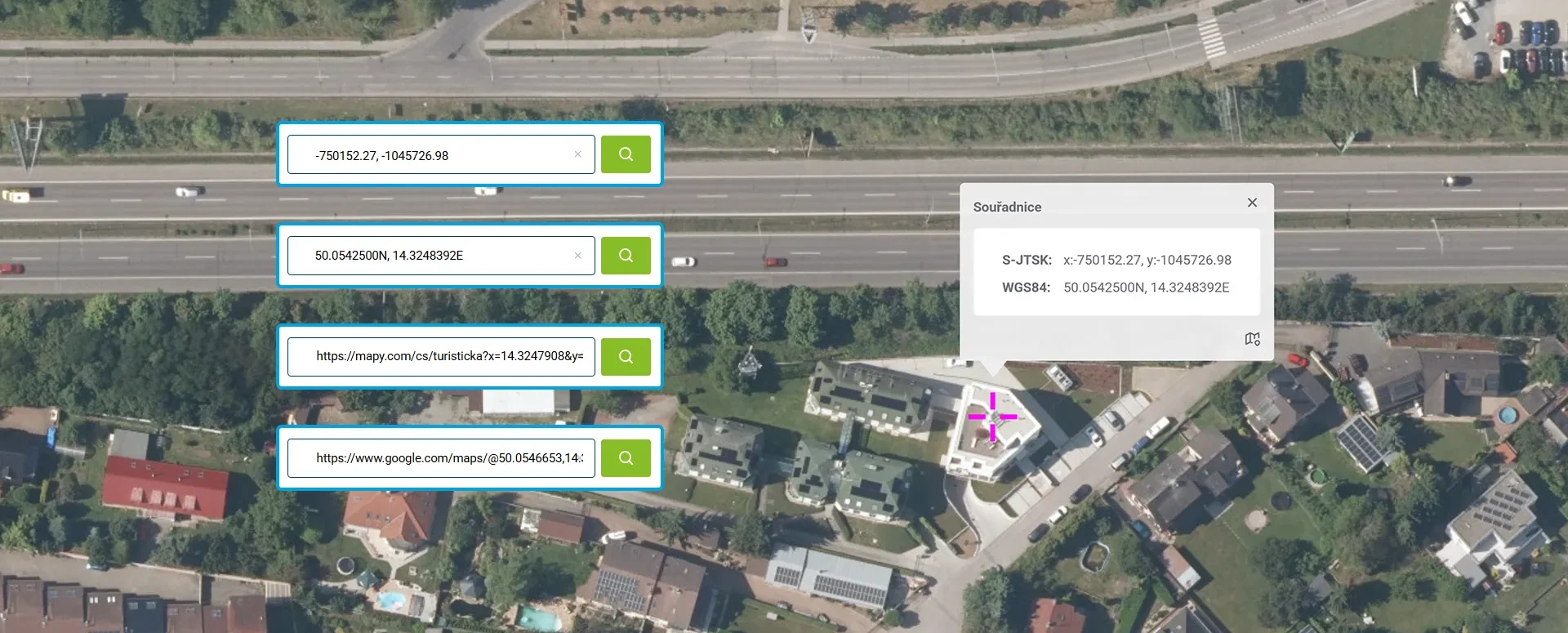
Coordinates are entered directly into the same field as a regular text query—the application automatically recognizes the format and, instead of displaying results from addresses, parcels, and data layers, zooms directly to the specified point. The found point is highlighted on the map with a turquoise cross and its own category, and (unlike addresses and parcels) it does not appear in the list of results.
Newly Supported Coordinate Systems and Formats
MawisGeoportal currently recognizes the following entries:
- WGS 84 (degrees): 50.0542500N, 14.3248392E
- WGS 84 (degrees, minutes): N 50°3.25500', E 14°19.49035'
- WGS 84 (degrees, minutes, seconds): 50°3'15.300"N, 14°19'29.421"E
- S-JTSK: -746913.64, -1153271.80
- S-JTSK: or in the form x:-750152.27, y:-1045726
Support for links from map applications
Another new feature is the ability to search using URL links from the Mapy.com and Google Maps apps. Users can copy a link to a specific point or location from a map app and paste it directly into the geoportal’s search bar—for example:
https://mapy.com/cs/turisticka?x=14.3247908&y=50.0540073&z=18https://www.google.com/maps/@50.0546653,14.3254507,17.75z
The system then automatically retrieves location information from the link and displays the corresponding location on the map without requiring you to enter coordinates manually.
For a complete list of formats and input methods, see the MawisGeoportal Search module help: https://mgm-help.mawis.eu/cs/400.html
30-day free trial of the geoportal
Do you need advice on something?
Call me on my cell phone or send me an email.
Ladislav Bláha +420 724 863 431 | ladislav.blaha@hrdlicka.cz
MawisGeoportal – Summer News for 2026
Printing up to A0, export to JPEG, 3D help, and faster record management. An overview of the summer 2026 updates to Geoportal.
MawisGeoportal integrates a full-featured 3D viewer
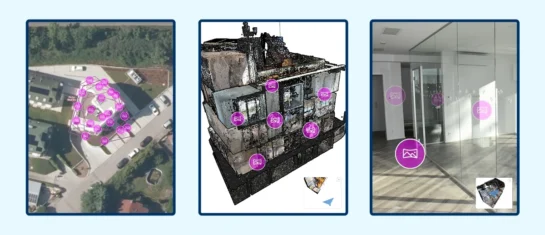
A new 3D viewer fully integrated into MawisGeoportal. No separate tools—the customer’s 2D and 3D data are all in one place and available online.
New KN Thematic Maps – Easements, Land Categories, and Land Use
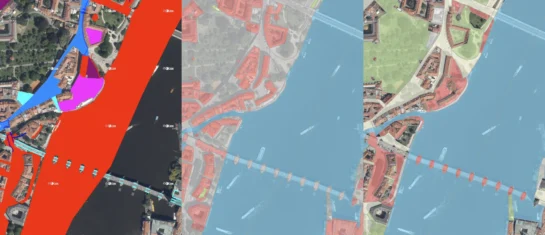
Three new thematic map layers from the Cadastral Register (KN) are now available on the Geoportal: easements, land categories, and land use.