


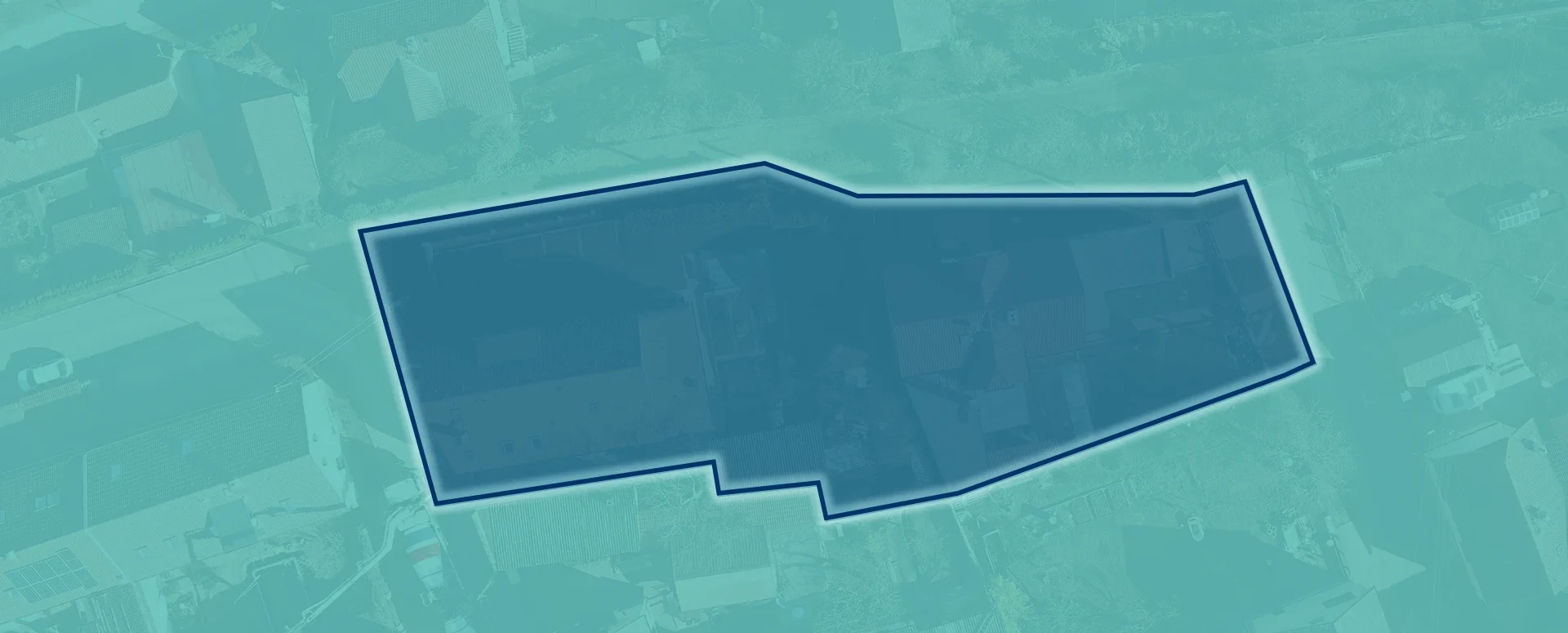
Preparation of a list of affected plots of land for the Builder’s Portal
Upload your area of interest; the tool will generate a list of the relevant plots and export it in a format suitable for uploading to the Builder’s Portal.
We have prepared a tool for you to create a list of the relevant plots of land in the format required when submitting an application for planning permission for a building project on the Builder’s Portal.
When preparing applications for planning permission on the Builder’s Portal, the most labour-intensive step is usually entering the land parcels manually. In the case of linear developments or large-scale projects, this often involves tens or even hundreds of parcel numbers.
To make this manual task easier for you and eliminate the risk of transcription errors, we have developed a new feature in the MawisTools app. Using the Search for Relevant Parcels tool, you can now generate a data file designed for immediate upload to the national system.
How does it work?
- In the MawisTools Search for Relevant Parcels tool, you can search for plots of land within your area of interest.
- In the results section, simply select the export option in the Builder’s Portal format and download the generated file.
- In the Builder’s Portal, during the step for entering the relevant plots of land, you should upload this file using the Bulk import of plots option.
Technical specifications of the output
- File format: A CSV structure that complies with the requirements of the Ministry of Regional Development (MMR).
MawisTools free for 30 days
Contact us
Do you need advice on anything? We’re available via email and phone.
Ladislav Bláha | +420 724 863 431 | ladislav.blaha@hrdlicka.cz

The Most Popular MawisTools Tools in 2026
Searching for affected parcels and converting JVF to DGN are the most frequently used MawisTools tools in 2026.

New conversion tools in MawisTools – JVF, DTM, DGN, SHP, DXF, and KML
The MawisTools library offers additional useful conversion tools for working with geodata and drawings.
MawisTools – An advanced library of tools for surveyors, designers, and geoinformatics professionals
From searching for specific parcels to calculating volumes and converting data formats. Fast, online, and no installation required.